
Force-lock chosen apps
Social networks, short-video apps, and other apps you choose are locked by Screen Time when used over the limit. Temporary overrides are not possible.
You meant to post one thing, check one notification — then an hour was gone. Stop the mindless scrolling and rediscover how good a walk with music feels.

Available now on iPhone.

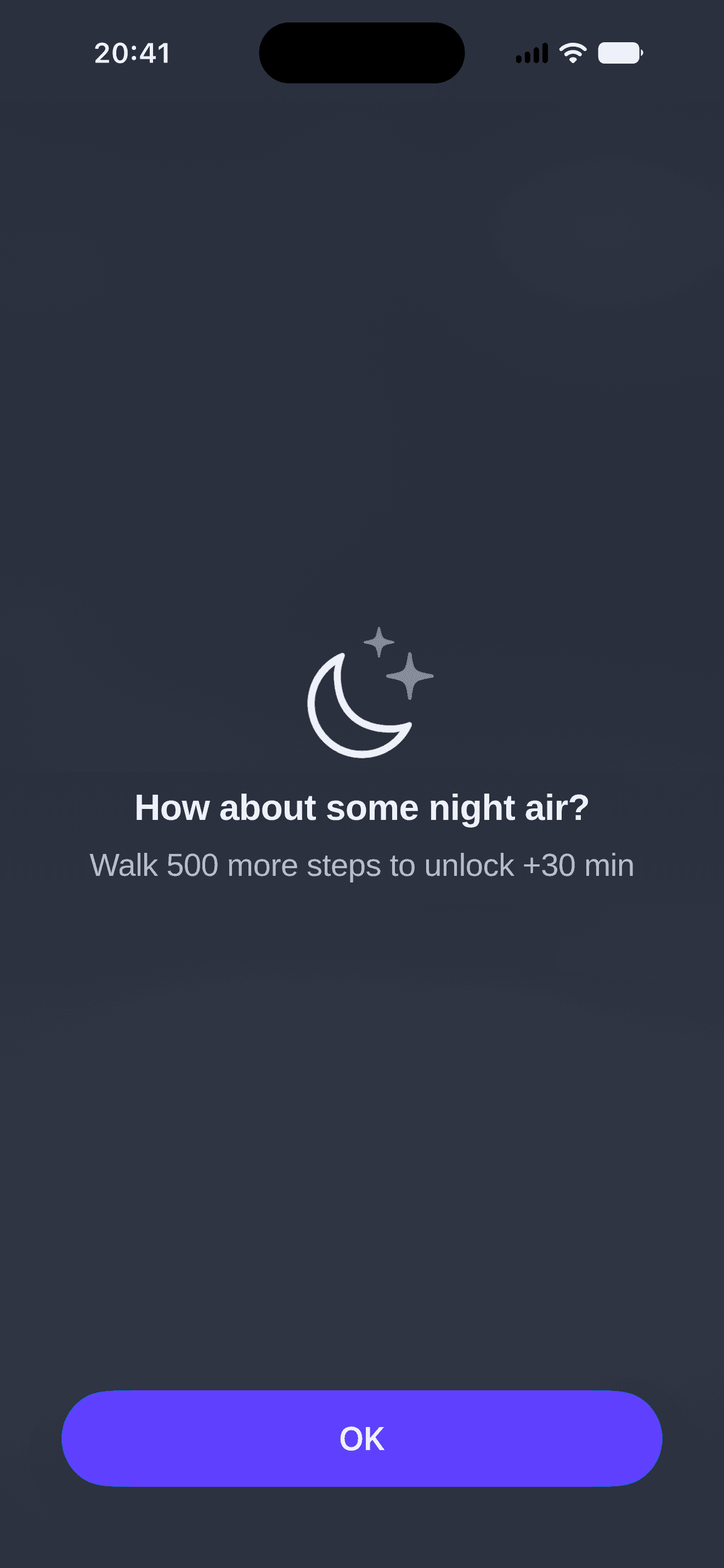
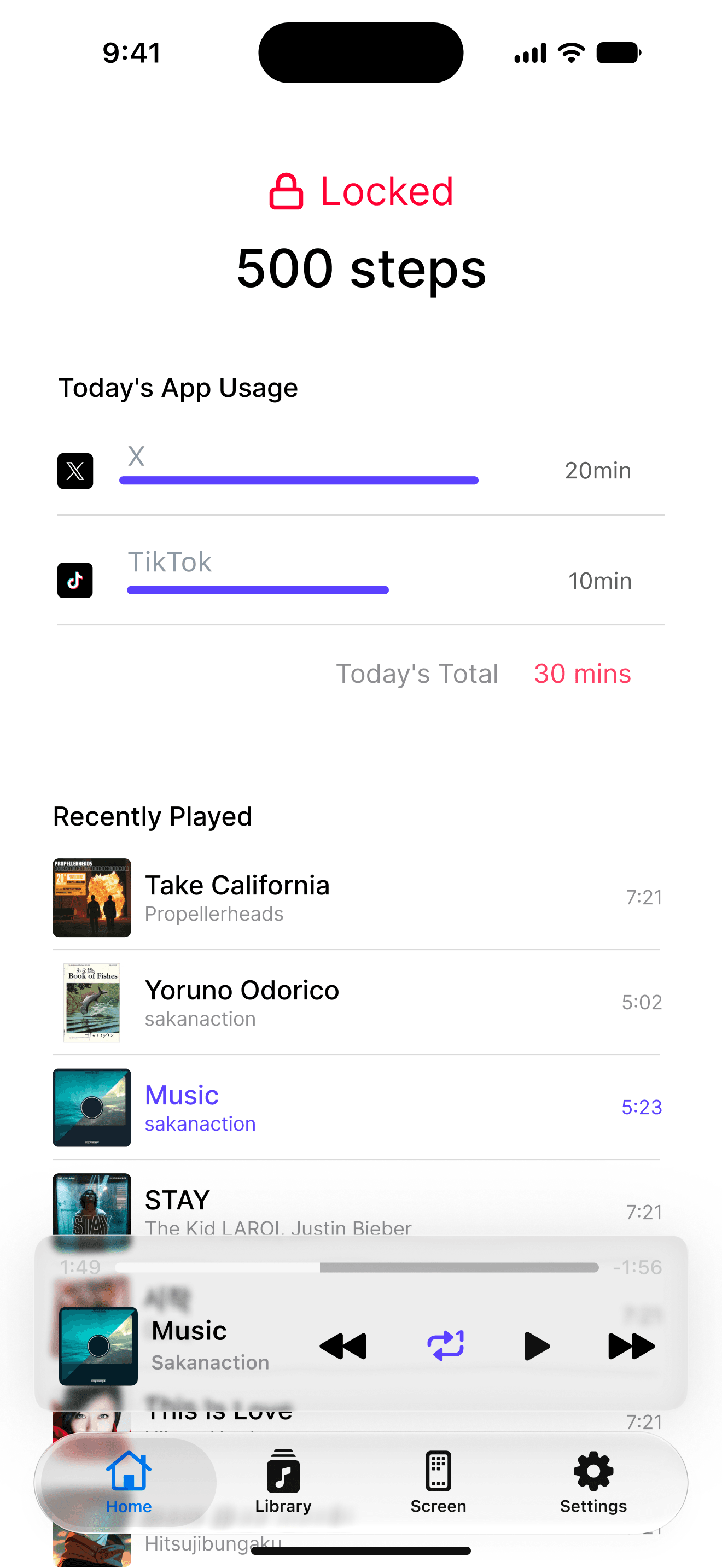
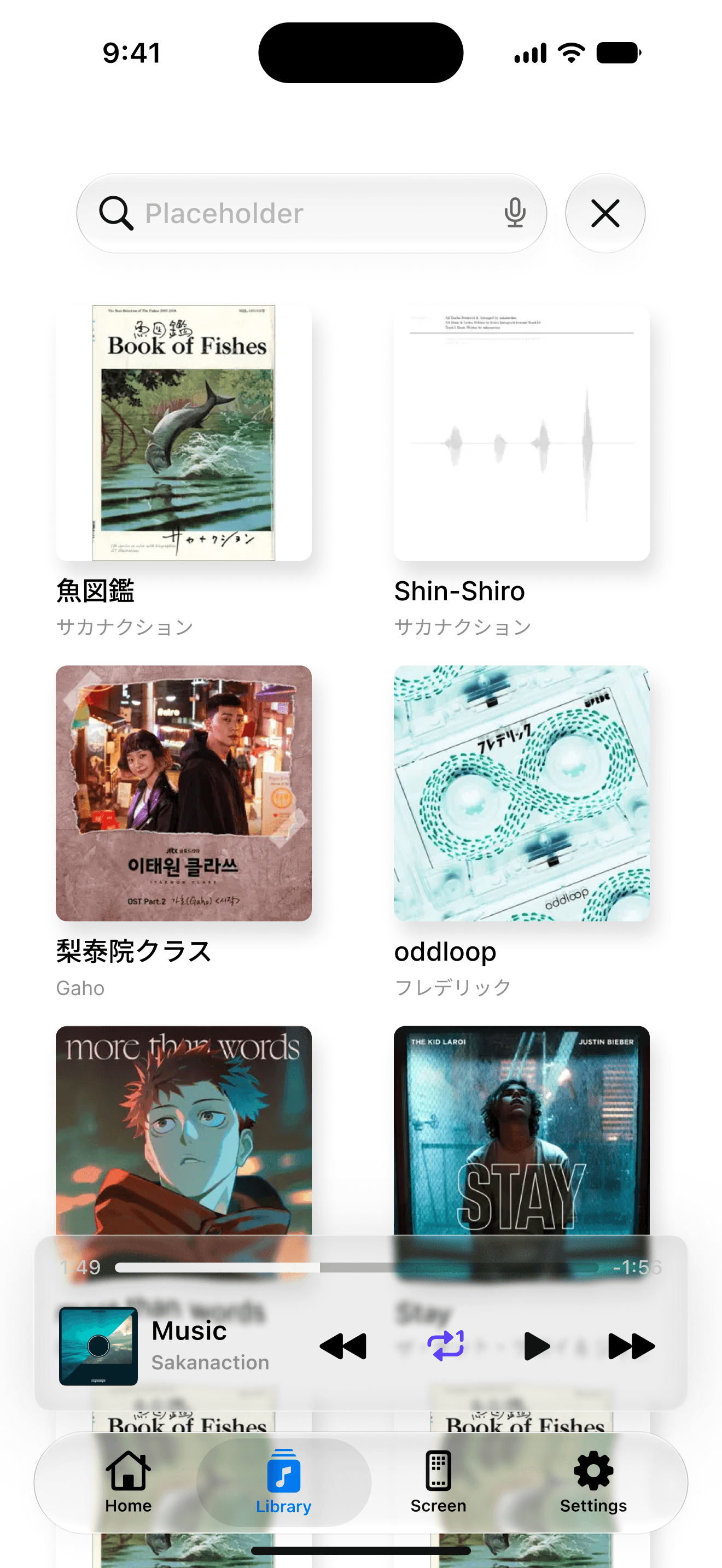
DopaWalk force-locks the apps you choose after a set amount of use, and keeps them locked until you walk a set number of steps — until you go outside and take a walk.
Social networks, short-video apps, and other apps you choose are locked by Screen Time when used over the limit. Temporary overrides are not possible.
Works with Health to unlock apps based on steps. Walk 500 steps and unlock 30 minutes of use.
Built-in Apple Music player lets you "play music and walk" without leaving the app.
For Spotify, YouTube Music, LINE Music, or Amazon Music users, a button to open the music app appears instead.
You set it up once. After that every day runs on the same rhythm.
Before you look at your phone, start with a walk and some music. Begin the day as your best self.
To unlock a chosen app, you have to go outside and walk.
Each of these is customisable to suit how you want to use the app.
No account needed.
Because of how the iPhone works, the names of the apps you pick never reach DopaWalk. The developer cannot see them.
How long you used an app, and how far you walked, are worked out on your iPhone. Nothing is sent anywhere.
Track information from Apple Music is only shown on screen. You can control playback, but nothing is sent to a server or saved.
The free plan already covers the one app you reach for most.
$0
$4.99$1.99one-time purchase · early purchase campaign
The early purchase campaign price may end without notice. Prices may change, and the amount you are actually charged is whatever the App Store shows on the purchase screen in the app.
Walk, or revoke DopaWalk's Screen Time permission in iOS Settings. There is deliberately no "skip today" button in the app: an escape hatch one tap away only ever gets used as an escape hatch.
Only the apps you pick yourself are ever locked. Leave phone, messages, and maps out of your selection. DopaWalk never adds anything to the list on its own.
Yes. Steps are read from Health and from this iPhone's motion coprocessor, so a walk you took with DopaWalk closed is counted as soon as you come back. You do not need to stare at the screen while walking.
iOS has no way to read what another music app is playing. For Spotify, YouTube Music, Amazon Music, and LINE MUSIC, a launch control is provided.
If the steps are written to Health, they work just by syncing with it. The app itself does not support Apple Watch yet.
Development is currently on hold. Android has no direct equivalent of the lock mechanism this app is built on, so it would need its own design rather than a straight port — whether we build it depends on how the iPhone version is received.
Available now on iPhone.